How to Block Gambling Sites on iPhone
A stronger iPhone gambling block combines dedicated blocking software with Screen Time restrictions, account self-exclusion, payment controls and protection on every other device.
1. Choose an iPhone-compatible gambling blocker
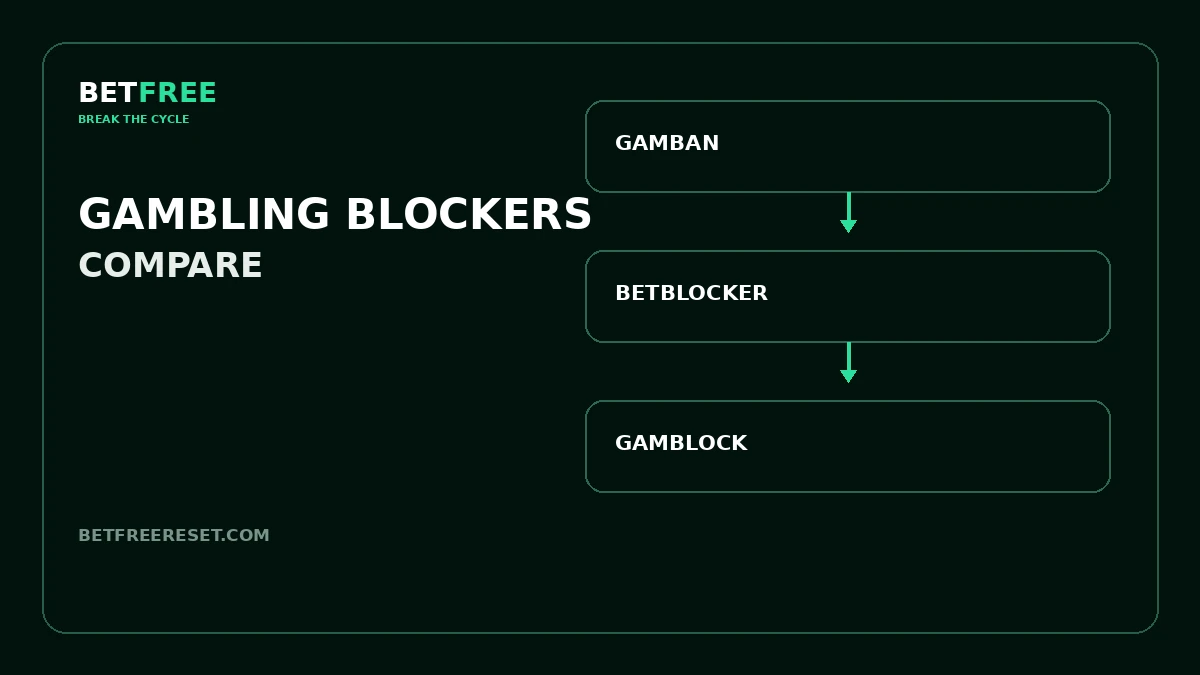
Check the provider’s current iOS compatibility and installation route before subscribing or activating a restriction. Compare BetBlocker, Gamban and GamBlock.
2. Remove gambling apps
Delete betting, casino, odds and tipster apps. Remove gambling bookmarks and disable promotional notifications. Review alternative browsers, crypto apps and social channels that may still provide an easy route.
3. Use Screen Time as an additional layer
Apple’s Screen Time includes Content & Privacy Restrictions for apps, downloads, websites and purchases. Menus can vary by iOS version. Use Apple’s current instructions and consider having a trusted person hold the passcode if appropriate.
4. Restrict app installation and purchases
Limiting new app downloads and purchases can make it harder to reinstall a gambling app during an urge. This is additional friction, not a substitute for gambling-specific blocking or self-exclusion.
5. Protect accounts and payments
Use operator self-exclusion where available. Remove stored cards and payment details, review Apple Pay access and ask your bank whether it offers gambling transaction controls.
6. Cover every device
Protect any iPad, Mac, old phone or computer you could use. A single unprotected device can remain the easiest route back to gambling.
7. Prepare for the urge itself
If the urge is active, move away from the phone and use Urge Breaker. Use Barrier Builder afterward to map any route that stayed open.
Compare blocker options
See Gamban vs BetBlocker vs GamBlock before choosing protection for your devices.
Frequently asked questions
Can Screen Time block gambling sites on iPhone?
Screen Time can restrict web content, apps, downloads and purchases, but it is not a complete gambling-specific block. Use it as one layer.
Which gambling blockers work on iPhone?
Several services publish iPhone or iOS options. Check BetBlocker, Gamban and GamBlock for current compatibility and setup requirements.
Can I stop gambling apps from being reinstalled?
Screen Time purchase and installation restrictions can add friction. Follow Apple’s current instructions and protect the passcode appropriately.
Should someone else set the Screen Time passcode?
A trusted person can hold the passcode if you both agree and the arrangement is safe and practical.
Is blocking my iPhone enough?
Not if another phone, tablet or computer remains available. Protect every realistic access route and add account and payment barriers.
Official details checked September 24, 2026: Apple restrictions · Apple Screen Time. Menus can change.