How to Block Gambling Sites on Android
Blocking gambling on Android works best as a layered setup: protect the device, restrict gambling accounts and apps, remove payment shortcuts and plan for the urge that remains.
1. Choose a dedicated gambling blocker
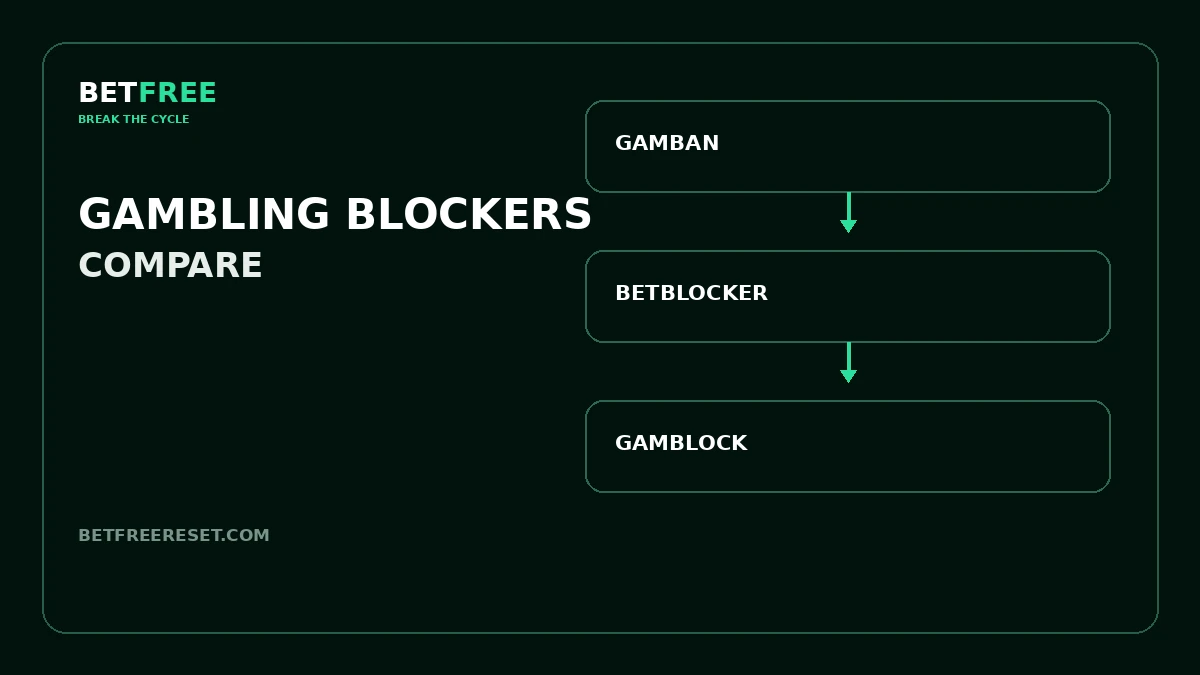
Dedicated blockers are designed to restrict gambling websites and, depending on the product and device, gambling apps. Compare current Android compatibility, permissions, restriction length, support and cost. Options include BetBlocker, Gamban and GamBlock.
2. Complete the Android setup
A blocker cannot protect the device properly if required permissions are skipped. Follow the provider’s current Android instructions, allow only the access needed for the service and confirm that protection is active. Avoid repeatedly testing blocked routes.
3. Remove gambling apps and shortcuts
Delete gambling and odds apps, remove bookmarks and clear promotional notifications. Review installed apps for alternative browsers, crypto services, tipster groups or social channels that could become another route back.
4. Add app and content controls
Android includes app-limit and parental-control options on supported devices, but availability and coverage vary. These controls can add friction around particular apps; they are not a complete gambling block.
5. Protect accounts and money
Use operator self-exclusion where available. Remove saved cards, mobile-wallet shortcuts and stored bank details. Ask your bank whether it offers a gambling transaction block.
6. Protect every device
An old phone, tablet, laptop or work device can defeat an otherwise strong plan. Add an appropriate barrier to every device you could realistically access during an urge.
7. Plan for an active urge
Blocking access creates time; it does not automatically remove the urge. Use Urge Breaker for the immediate moment and Barrier Builder to identify remaining gaps.
Compare Android blocker options
See Gamban vs BetBlocker vs GamBlock before choosing a service for your device.
Frequently asked questions
Can Android block all gambling sites?
No single Android setting or blocker should be assumed to cover every site, app or future route. Use several barriers together.
Which gambling blocker works on Android?
Several providers offer Android options, including BetBlocker, Gamban and GamBlock. Verify current compatibility for your exact device and Android version.
Can I block gambling apps as well as websites?
A dedicated blocker may cover websites and apps, but coverage varies. Remove gambling apps and use supported device controls as additional layers.
Should someone else hold the restriction code?
If a trusted person is helping and the setup supports a separate code, that can add friction. Agree on the arrangement before activation.
What if I find another way to gamble?
Treat it as a barrier gap. Close that route, strengthen money controls and seek additional support.
Official details checked September 24, 2026: Google Android parental controls · BetBlocker. Settings can change.